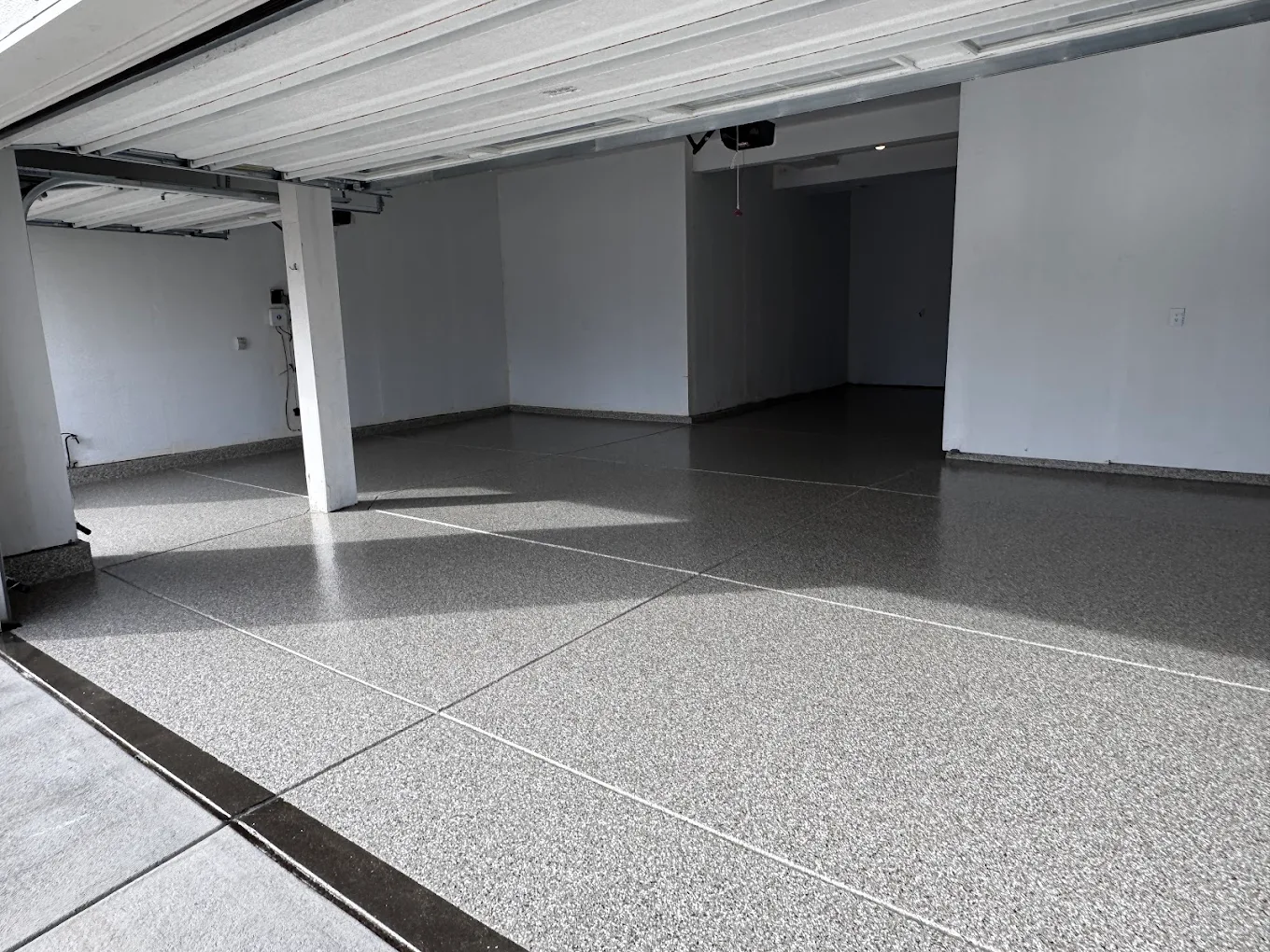
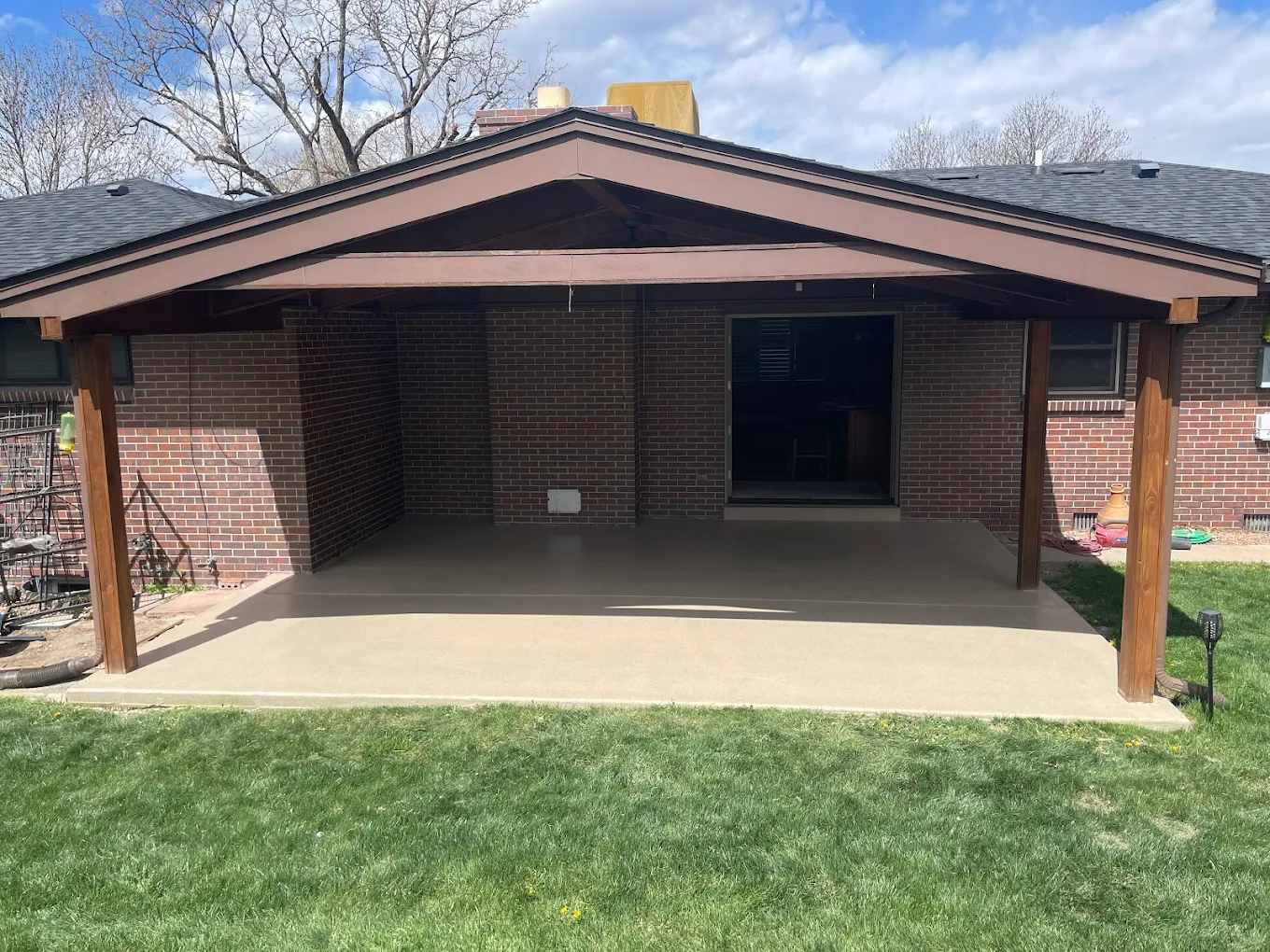
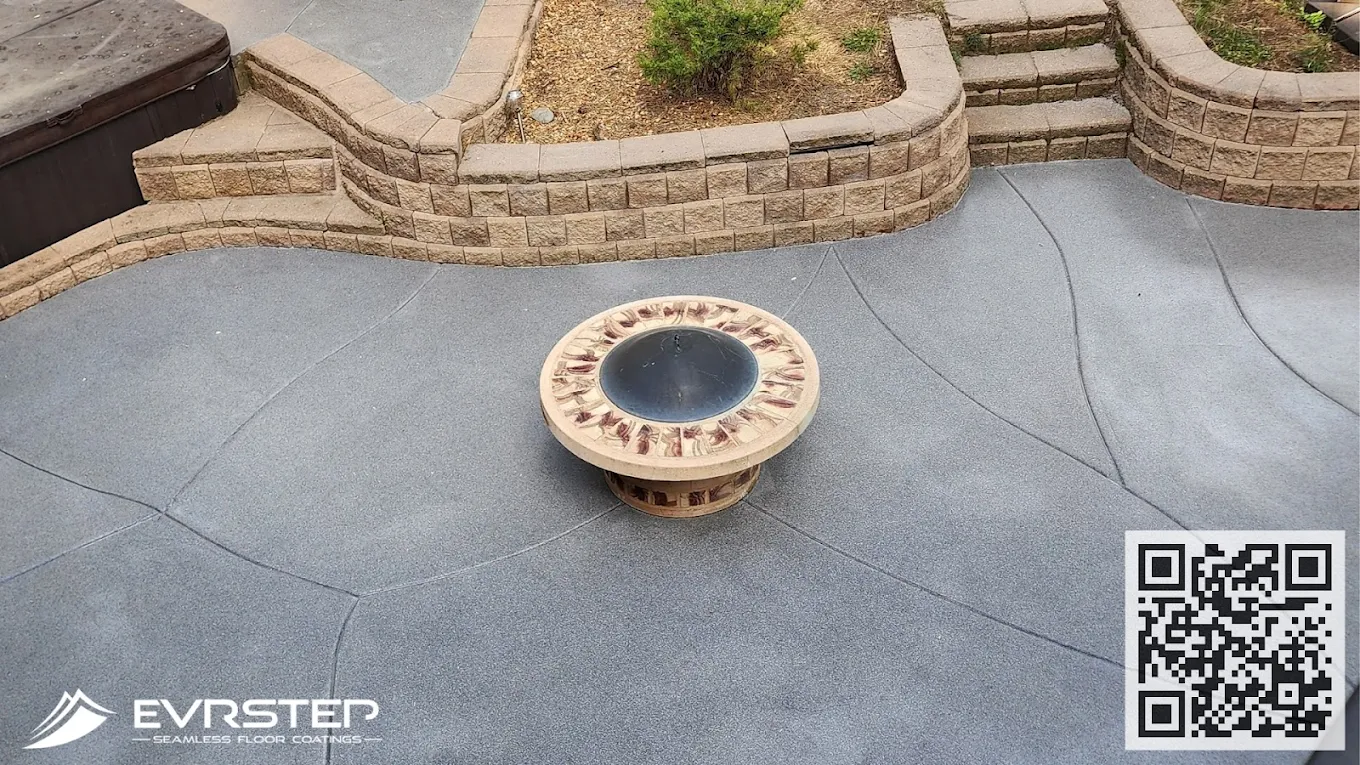
AR visualization eliminates costly epoxy design mistakes by previewing finishes in your actual space. This prevents expensive color changes after installation.
Most homeowners in Parker choose epoxy floor colors and patterns from small samples or online photos, only to discover the finished result looks completely different in their actual space. The metallic swirls that looked stunning in the showroom appear overwhelming in your garage, or that perfect flake blend seems too busy once it covers 600 square feet. These expensive mistakes happen because traditional design methods can’t account for your specific lighting, room proportions, and existing color palette.
This guide walks you through using augmented reality technology to visualize epoxy floor designs directly in your space before any installation begins. You’ll learn to scan your room, test different epoxy systems digitally, and make confident design decisions that eliminate costly changes during the actual coating process. By the end, you’ll have a precise preview of how any metallic epoxy, vinyl flake system, or solid color coating will look in your specific environment.
Step 1: Choose Your AR Visualization Platform
The foundation of successful augmented reality epoxy design lies in selecting the right AR platform for your device and project scope. Modern smartphones and tablets offer several AR apps specifically designed for flooring visualization, with some platforms excelling at metallic epoxy patterns while others handle vinyl flake systems more accurately. The key is matching the platform’s strengths to your specific epoxy system, whether you’re considering a decorative garage floor coating or an industrial-grade polyaspartic system.
Choosing the wrong platform leads to inaccurate color representation and unrealistic texture rendering, which defeats the purpose of AR visualization entirely. Look for platforms that offer high-resolution material libraries, accurate lighting simulation, and the ability to import custom epoxy resin patterns from manufacturer databases. You’ll know this step is complete when you can successfully launch the AR camera view and see stable tracking of your floor surface without excessive drift or lag.
Here’s a comparison of the leading AR flooring platforms and their specific strengths for epoxy visualization.
| Platform | Best For | Device Support | Key Feature |
|---|---|---|---|
| Roomvo | Vinyl flake systems | iOS/Android | Real-time lighting |
| Houzz View | Solid color epoxy | iOS only | Material accuracy |
| ARKit FloorPlan | Metallic patterns | iOS 12+ | Pattern scaling |
| Magicplan AR | Large commercial spaces | iOS/Android | Room mapping |
| Custom contractor apps | Specific product lines | Varies | Brand integration |
Step 2: Scan and Map Your Floor Surface
Accurate floor scanning forms the foundation of realistic AR visualization, yet most people rush through this step and wonder why their preview looks distorted or unrealistic. The AR system needs precise measurements of your floor’s dimensions, surface irregularities, and existing features like drains, expansion joints, or control cuts to render epoxy patterns correctly. Skipping proper scanning leads to stretched patterns, incorrect scale representation, and metallic effects that don’t match the actual installation proportions.
The scanning process requires steady, methodical movement to capture every corner and surface variation that will affect the final epoxy appearance. Watch for areas where the AR tracking loses stability, particularly near reflective surfaces, very dark concrete, or areas with poor lighting. Successful scanning produces a stable 3D mesh of your floor that doesn’t shift or wobble when you move the camera, with all major features like cracks, stains, or existing coatings clearly mapped.
Scanning Essentials
- Lighting Setup: Ensure even, bright lighting across the entire floor area to prevent tracking errors and shadows that interfere with AR mapping accuracy.
- Movement Pattern: Start from one corner and work systematically across the space in overlapping passes, maintaining the camera 3-4 feet above the floor surface.
- Surface Preparation: Clean the floor of debris, standing water, or reflective materials that can confuse the AR sensors and create mapping gaps.
- Feature Marking: Identify and mark expansion joints, drains, and existing damage that will affect epoxy installation and pattern layout before scanning.
- Validation Check: Walk the perimeter after scanning to verify all edges are captured and the 3D mesh remains stable when viewed from different angles.
Once your floor scan is complete and validated, you’ll have a digital foundation that accurately represents your space’s unique characteristics. The AR system can now overlay epoxy patterns with correct proportions and realistic lighting interactions. This scanning data becomes the reference for all subsequent design testing, ensuring that every pattern and color you preview will match the actual installation results.
Step 3: Load Epoxy Material Libraries
Loading accurate material libraries transforms your AR preview from a generic approximation into a precise representation of specific epoxy systems available in your area. Most AR platforms include basic flooring materials, but epoxy coatings require specialized libraries that capture the unique properties of metallic pigments, vinyl flake distributions, and topcoat finishes. The difference between a generic ‘gray epoxy’ and an actual Sherwin-Williams General Polymers system with specific flake sizes and gloss levels dramatically affects your design decisions.
Using outdated or generic material libraries results in colors that shift dramatically under different lighting conditions and textures that don’t match the actual epoxy properties. Import manufacturer-specific material data whenever possible, including accurate color values, gloss measurements, and texture maps that reflect real-world epoxy characteristics. You’ll know this step is successful when the AR materials respond realistically to your room’s lighting and the colors remain consistent as you move around the space.
Step 4: Test Design Options in Your Lighting
This step reveals the critical differences between how epoxy systems appear under showroom lighting versus your actual space conditions, preventing the most common source of customer dissatisfaction with epoxy installations. Your garage’s fluorescent fixtures, natural light from windows, and LED work lights all interact differently with metallic pigments and vinyl flakes than the controlled lighting in a contractor’s showroom. Skipping this lighting-specific testing leads to metallic epoxy that looks muddy under your fixtures or flake patterns that disappear in your specific lighting setup.
The testing process requires viewing each design option under all lighting conditions you’ll actually experience, including early morning natural light, evening artificial lighting, and any seasonal variations in your space. Pay particular attention to how metallic effects shift as you change viewing angles and how different flake sizes become more or less visible under your specific fixtures. Successful testing produces clear preferences for systems that maintain their visual appeal across all your lighting scenarios.
Testing Protocol
- Metallic Systems: Test how advanced epoxy manufacturing creates different shimmer effects under your LED, fluorescent, and natural lighting combinations.
- Flake Patterns: Evaluate how 1/4-inch versus 1/8-inch vinyl flakes appear at different densities and how they interact with your specific overhead lighting angles.
- Solid Colors: Check how single-color epoxy systems show dirt, tire marks, and wear patterns under your typical lighting conditions and usage scenarios.
- Gloss Levels: Compare how satin, semi-gloss, and high-gloss topcoats reflect your lighting and whether they create glare issues in your specific setup.
After testing multiple design options under your actual lighting conditions, you’ll have clear data on which epoxy systems perform best in your specific environment. This lighting-specific validation eliminates the guesswork that leads to expensive change orders and ensures your chosen design maintains its visual appeal throughout daily use. The AR preview now represents a reliable prediction of your finished floor’s appearance.
Step 5: Refine Pattern Scale and Coverage
Pattern scaling represents the difference between an epoxy floor that enhances your space and one that overwhelms it, yet most people focus only on color selection and ignore how pattern density affects the overall visual impact. A metallic swirl pattern that looks elegant in a 200-square-foot showroom sample can become visually chaotic when scaled across a 600-square-foot garage floor. Similarly, vinyl flake coverage that appears subtle in small samples may look sparse or incomplete when viewed across large areas with varying sight lines.
The refinement process involves adjusting pattern repeat intervals, metallic swirl density, and flake coverage percentages while viewing the results from multiple positions within your space. Consider how the pattern will appear when you’re working at a bench versus walking across the floor, and how it looks from your home’s entrance into the garage. Successful refinement produces patterns that maintain visual interest without becoming overwhelming and work harmoniously with your space’s proportions.
Scaling Adjustments
- Metallic Density: Adjust swirl frequency and intensity to match your room size, with larger spaces typically requiring more subtle, widely-spaced patterns for visual balance.
- Flake Coverage: Test coverage rates from 25% to 85% to find the density that provides texture without creating visual noise in your specific space dimensions.
- Pattern Repeat: Modify how often decorative elements repeat across the floor to prevent monotonous patterns that become tiresome in daily use.
- Edge Transitions: Refine how patterns interact with walls, cabinets, and other fixed elements to create natural visual flow rather than abrupt cutoffs.
- Viewing Distance: Optimize pattern scale for your typical viewing distances, whether you’ll primarily see the floor from standing height or seated positions.
With pattern scale and coverage properly refined for your space, the AR preview now shows an epoxy design that will enhance rather than overwhelm your environment. These scaling decisions directly impact the final installation’s visual success and your long-term satisfaction with the floor. The refined design serves as a precise specification for your contractor, eliminating subjective interpretation during the actual application process.
Step 6: Document and Share Your Final Design
Proper documentation of your AR-validated design prevents miscommunication during the actual epoxy installation and provides a clear reference for color matching, pattern specifications, and finish requirements. The AR system should capture high-resolution images of your chosen design from multiple angles, along with technical specifications like flake coverage percentages, metallic pigment ratios, and topcoat gloss levels. This documentation becomes the binding specification that ensures your contractor delivers exactly what you previewed and approved in the AR environment.
Failing to document design specifications properly leads to installations that drift from your AR preview, particularly in subjective areas like metallic swirl intensity or flake distribution patterns. Export both visual references and technical data from your AR session, including lighting condition notes and any special requirements for pattern alignment or edge details. You’ll know this step is complete when you have a comprehensive design package that any qualified epoxy contractor can follow to reproduce your AR-validated results exactly.
Here are the essential documentation elements needed to translate your AR design into a successful installation.
| Document Type | Key Information | Format | Usage |
|---|---|---|---|
| Design Images | Multiple viewing angles, lighting conditions | High-res photos/screenshots | Visual reference for installer |
| Technical Specs | Coverage rates, pigment ratios, thickness | PDF specification sheet | Mixing and application guidance |
| Material List | Specific product codes, quantities | Spreadsheet/text file | Ordering and procurement |
| Installation Notes | Pattern alignment, special requirements | Written instructions | Field application guidance |
| Quality Standards | Acceptance criteria, finish expectations | Checklist format | Installation validation |
Bringing Your AR Design to Life
You now have the tools and knowledge to use augmented reality technology for confident epoxy floor design decisions that eliminate costly mistakes and change orders. The AR visualization process transforms abstract color samples and pattern descriptions into precise previews that account for your specific space, lighting, and proportions. This technology-driven approach ensures your final epoxy installation matches your expectations exactly, whether you’re installing a decorative garage floor coating or a high-performance industrial system.
When you’re ready to move forward with installation, use your documented AR specifications as the foundation for contractor discussions and project planning. The detailed design package you’ve created provides clear guidance for modern epoxy applications and eliminates the guesswork that leads to unsatisfactory results. Remember to validate that your chosen contractor has experience with AR-specified projects and can deliver the precise technical requirements your digital design demands.
Author
This article was written by the EvrStep Epoxy Coatings Editorial Team, experienced professionals serving Parker. Our team focuses on educating clients and providing valuable insights to help them make informed decisions.